Instant AI Background Remover & Transparent PNG Maker

Automatically detect and separate subjects with fine precision, producing clean transparent PNGs. Perfect for e-commerce listings, ID photo prep, and graphic design cutouts.

🎯 Quality Mode:
~1s · Ideal for ordinary short hair, clothing, and hard edges
Original Photo
JPG · PNG · WebP
🎭 Alpha Grayscale Mask (White retains subject and hair; black removes background) Alpha Mask
🎨 Real-time Background Replacement: 📥 Download with Selected BG

How to Remove a Background in 3 Steps

Get professional results instantly with our simple workflow.

01

Upload Your Image

Click Select Image to upload your photo from your computer or phone. Supports JPG, PNG, and HEIC formats.

02

AI Auto-Cutout

Our AI instantly analyzes the image, separating the subject from the background. It automatically detects edges, hair, and fur for precision.

03

Download Result

Choose your preferred output format: Transparent PNG for design projects or Pure White JPG for e-commerce and official ID photos. Download instantly.

Top Use Cases for Precision Cutouts

Whether you're listing on eBay, creating TikTok content, or preparing official documents, Dopic handles complex edges with ease.

🛒

E-Commerce Product Photography

Generate pure white (#FFFFFF) backgrounds for Amazon, eBay, and Shopify listings. Ensure your products pop with crisp lighting and zero distractions.

✂️

Hair & Pet Fur Detailing

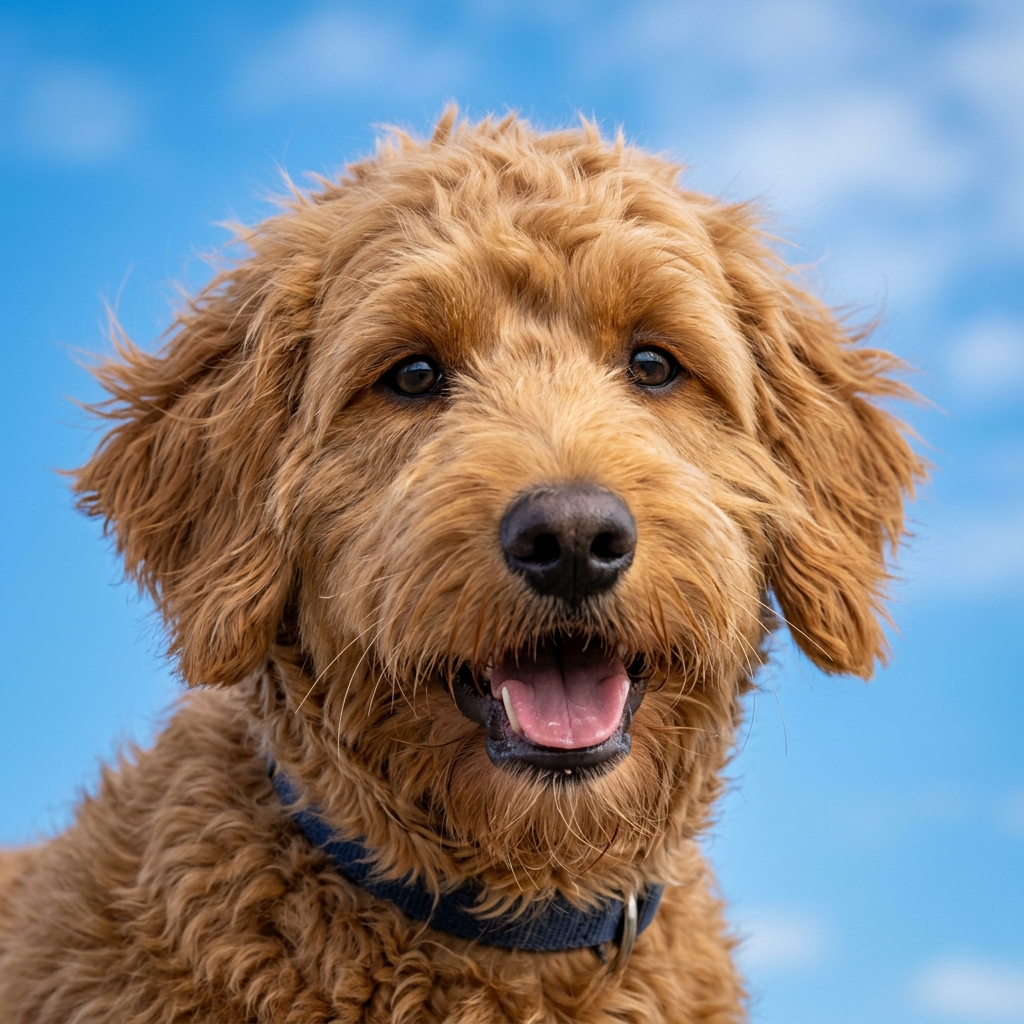
Our AI segmentation captures fine hair strands and pet fur that other tools miss. Perfect for professional portraits and animal photography.

📸

Australian Official ID Photos

Create compliant 35x45mm photos for Australian Passports, Visas, Driver Licences (NSW/VIC/QLD/WA), Medicare, and University IDs with exact white background standards.

🎨

Social Media Content Creation

Isolate subjects for Instagram Reels, TikTok overlays, and YouTube thumbnails. Create eye-catching graphics without needing Photoshop skills.

📄

Signature & Document Scanning

Cleanly extract handwritten signatures from scanned documents for contracts and forms. Remove paper texture for a professional digital look.

🖼️

Graphic Design & Collages

Extract objects for creative collages, marketing materials, and web banners. Get transparent PNGs ready for immediate use in Canva or Adobe Suite.

Why Choose Dopic for Cutouts?

Built for speed, privacy, and professional-grade output quality.

🔒

100% In-Browser Privacy

Your photos never leave your device. All AI processing happens locally in your browser, ensuring complete data security and privacy.

⚡

Lightning-Fast Processing

Get results in seconds. Our optimized AI model delivers high-quality cutouts without waiting for server uploads or queue times.

📐

High-DPI Transparency

Export crisp transparent PNGs or standard JPGs. Preserve image resolution and quality for both digital and print use.

🚫

Zero Watermarks

Download your edited images completely free of watermarks. Professional results ready for commercial use.

100% FREE

Use Dopic to remove backgrounds from photos for Australian ID cards, passports, and visa applications. Create transparent PNGs for e-commerce products and social media content with 100% private, in-browser AI processing.

Frequently Asked Questions

Everything you need to know about using Dopic's Background Remover.

Is my photo data safe and private? +

Yes. Dopic processes all images directly in your browser using client-side AI. Your photos are never uploaded to our servers, ensuring 100% privacy and security.

Does this tool work for Australian ID photos? +

Yes. You can use Dopic to create the required white background for Australian Passports, Visas, Driver Licences (NSW, VIC, QLD, WA), Medicare, and Electoral Commission IDs. The output will be a clean white (#FFFFFF) background compliant with official specifications.

Can I remove complex hair or fur details? +

Absolutely. Our AI segmentation engine is specifically trained to handle fine details like hair strands, pet fur, and translucent objects, providing much cleaner edges than traditional magic wand tools.

What file formats do I get after removing the background? +

You can choose between a Transparent PNG (ideal for web design and overlays) or a Pure White JPG (ideal for e-commerce product listings and official ID submissions).

Is there a limit on image resolution or DPI? +

Dopic preserves the original resolution of your uploaded image. We do not compress or reduce the DPI of your files during the cutout process, ensuring print-ready quality.

Do I need to install any software? +

No. Dopic is a web-based tool that works directly in your browser on desktop and mobile devices. No downloads or plugins required.

Explore More Free Creative Image Tools

Complete ecosystem of passport photo makers, AI erasers, upscalers, and format converters.

Need Official Passport or Visa Photos for Any Country?

Access our Global Passport Studio supporting 114+ countries with biometric face-ratio alignment and printable 4×6 inch photo sheets.

🌐 Open Global Passport Studio