
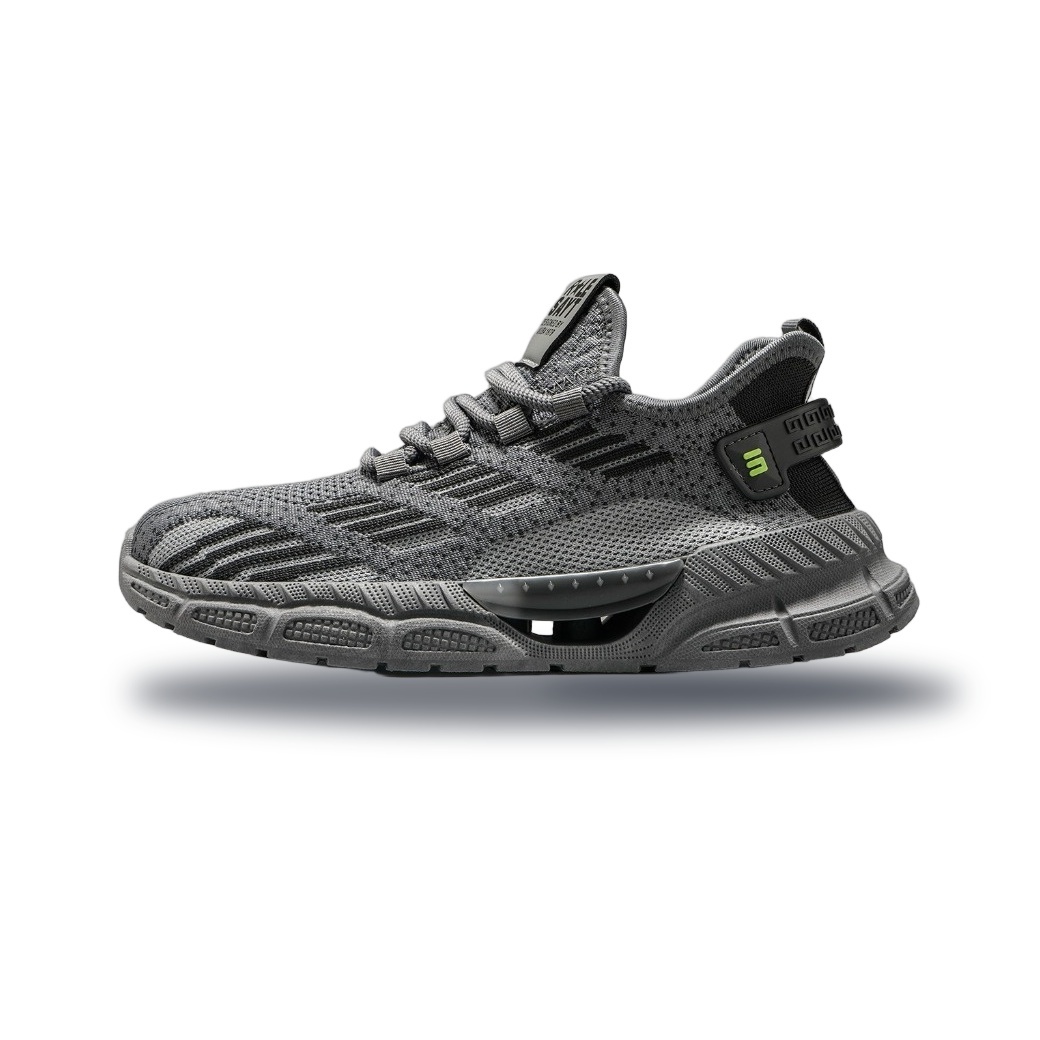
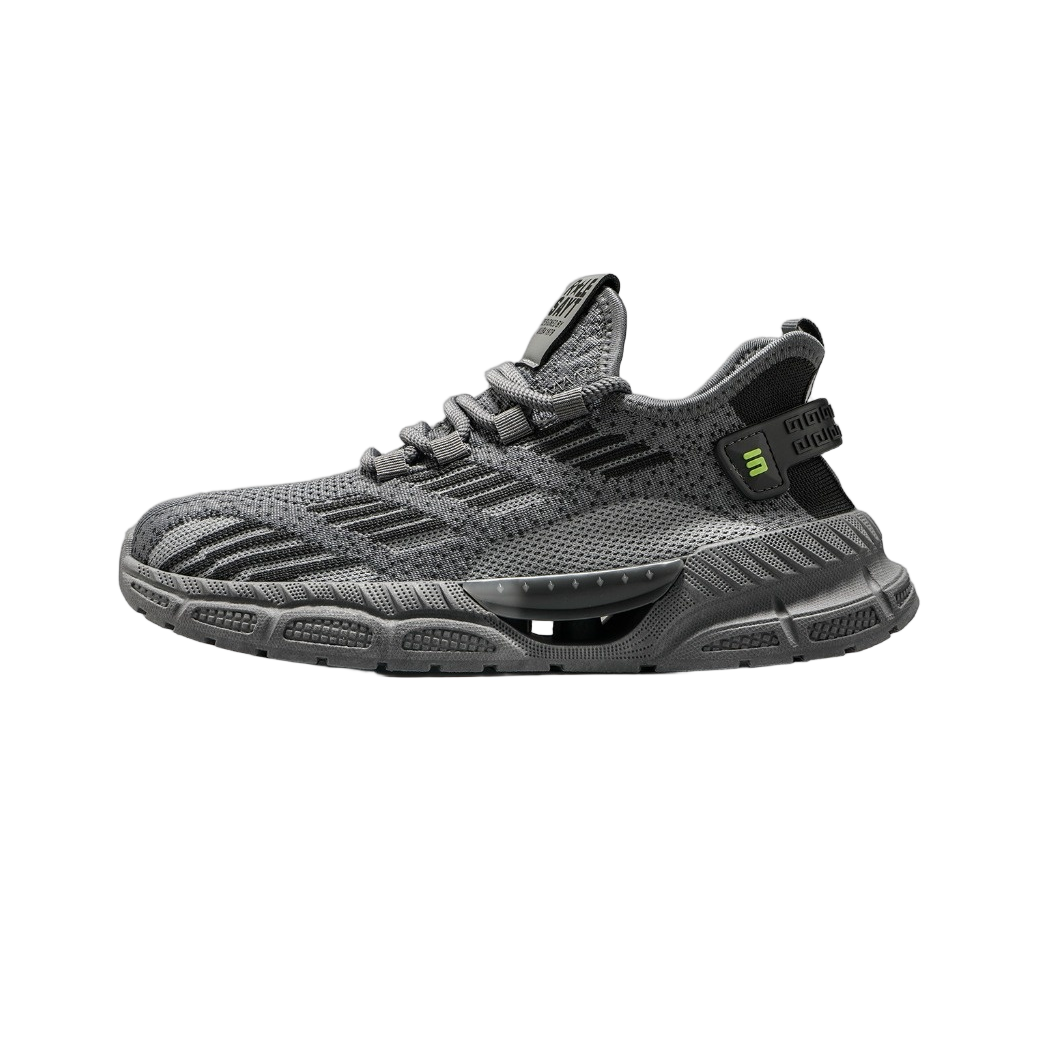
Pembuat Bayangan Produk

Berikan kedalaman 3D nyata dengan bayangan arah dan efek kontak (AO) yang natural. Sempurna untuk foto produk Shopee, Tokopedia, Sneakers, dan Katalog Online agar terlihat premium.

Product with 3D Shadow 3D Shadow
Raw Product Raw Cutout
JPG · PNG · WebP
135°
45° ↗ 90° ↑ 135° ↖ 180° ← 225° ↙ 270° ↓ 315° ↘ 0° →
42
65%
16px
45%

Cara Membuat Bayangan Fisika Komersial 3D dalam 3 Langkah

Fast, secure, and intuitive browser processing with zero software installation.

01

1. Unggah atau Auto AI Cutout

Unggah gambar produk transparan, atau unggah foto apa saja dan biarkan model AI terintegrasi mengekstrak latar depan dengan bersih.

02

2. Haluskan Pencahayaan & Bayangan Kontak

Putar dial cahaya untuk mengatur arah, sesuaikan Bayangan Kontak (AO) untuk penambalan tanah realistis, dan haluskan tepinya.

03

3. Pilih Latar Panggung & Ekspor

Pilih PNG transparan untuk overlay mulus, atau putih murni / abu studio komersial, dan unduh dalam kualitas kristal 4K.

Pengali Komersial untuk E-Commerce & Fotografi

Hindari transformasi perspektif Photoshop yang melelahkan dan banyak layer blur

👟

Sneakers & Footwear Product Pages

Anchor floating shoes with lifelike ground contact and directional stretch shadows.

💄

Luxury Cosmetics & Skincare

Produce delicate soft-glow shadow gradients for perfumes, lipsticks, and serums.

📱

Electronics & Gadget Showcases

Integrate smartphones, tablets, and wearables smoothly into studio environments.

🛋️

Furniture & Home Appliances

Eliminate amateurish floating aesthetics by giving home goods authentic weight and gravity.

👤

Fashion Lookbooks & Models

Add grounded standing shadows under full-body models for rich spatial depth.

🍔

Food, Beverage & Packaging

Boost product appeal and click-through rates with dynamic pop-out lighting.

Why Choose Our Free Bayangan 3D Produk?

Built as a free, privacy-first alternative to expensive subscription tools.

100% FREE

Looking for a free alternative to expensive subscription tools? Dopic gives you unlimited HD processing with no subscriptions.

Frequently Asked Questions (FAQ)

Clear, transparent answers about accuracy, privacy, commercial rights, and output formats.

What is Contact Shadow (Ambient Occlusion / AO)? +

Contact shadow is the intense, tight shadow formed directly beneath where an object meets a surface. It is essential for eliminating the 'floating' effect and giving objects realistic physical gravity.

Can I use un-clipped photos with backgrounds? +

Yes! Click 'Upload & Auto AI Cutout' to let our high-precision model remove the background automatically and render 3D lighting immediately.

Does the transparent PNG download keep the shadow? +

Yes! Selecting 'Transparent (PNG)' exports a true alpha-channel PNG with semi-transparent drop shadows intact, ready to overlay anywhere.

Are my images uploaded to external servers? +

Physics shadow synthesis, directional projection, and blurring run 100% locally in your browser memory for total privacy.

Jelajahi Alat Gambar Kreatif Gratis

Jelajahi Alat Gambar Kreatif Gratis

Butuh Foto Paspor atau Visa?

Studio Paspor Global untuk 114+ negara dengan format biometrik dan cetak 4×6.

🌐 Buka Studio Paspor