
Background Remover
Instant AI Background Removal & Precision Cutout Tool
Automatically detect and separate subjects with fine precision, producing clean transparent PNGs. Perfect for e-commerce listings, ID photo prep, and graphic design cutouts.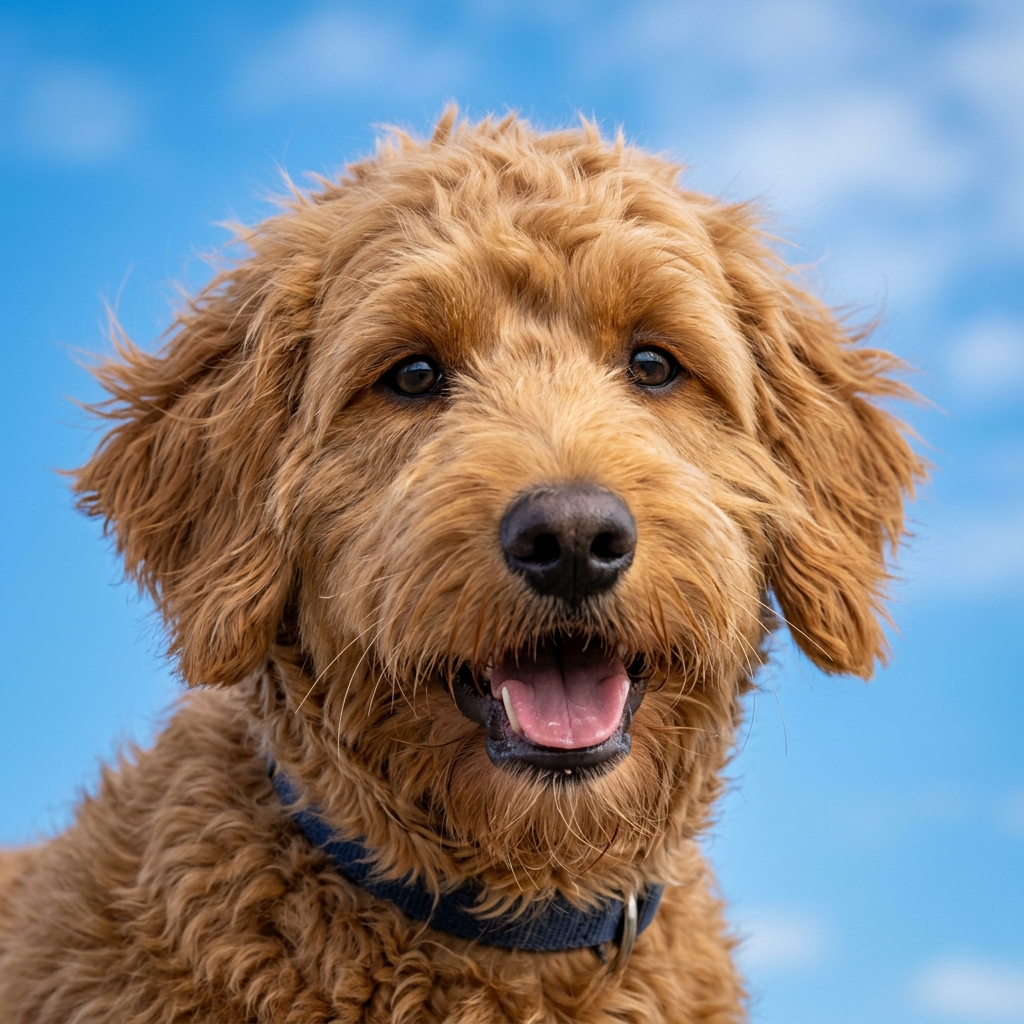
How to Remove a Background
Get a perfect cutout in three simple steps.
Upload Image
Drag and drop your photo into the Dopic editor or click to browse your files. Supports JPG, PNG, and WebP formats.
AI Auto-Detect
The AI instantly analyzes the image, identifying the subject and separating it from the background with high precision.
Download Result
Preview the result. Choose to export as a Transparent PNG for design work or a White JPG for quick sharing. Click Download to save.
Top Use Cases for Precision Cutouts
Solve your most common editing challenges with one click.
E-Commerce Product Photography
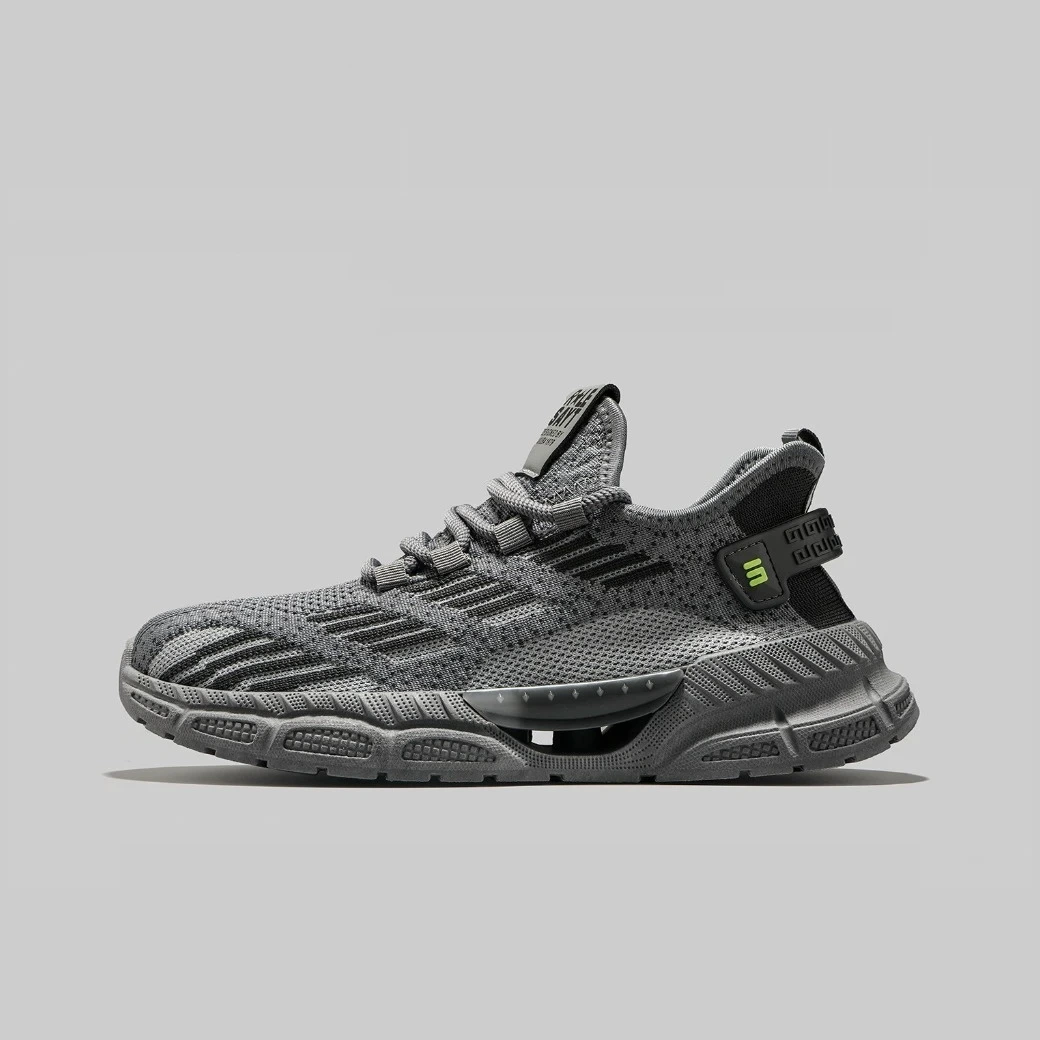
Generate compliant pure white (#FFFFFF) backgrounds for Amazon, Shopify, and Etsy listings. Ensure your products pop against a clean canvas without manual masking.
Complex Hair & Fur Detailing
Our AI segmentation handles fine strands, pet fur, and translucent fabrics with pixel-perfect accuracy. No jagged edges or halo artifacts around the subject.
Social Media Content Creation
Create eye-catching graphics for Instagram, TikTok, and Pinterest. Isolate subjects to place them on custom branded backgrounds or colorful gradients instantly.
Signature & Document Clipping
Extract handwritten signatures or small logos from scanned documents. Perfect for digital contracts, invoices, and professional presentations requiring clean assets.
Graphic Design & Collage Making
Build complex visual compositions by layering isolated elements. Ideal for designers creating mockups, flyers, and marketing materials with mixed media.
Professional Headshots & Portraits
Isolate faces and upper bodies for LinkedIn profiles or corporate bios. Remove distracting office or outdoor backgrounds to focus entirely on the subject.
Why Choose Dopic?
Built for speed, quality, and absolute privacy.
100% In-Browser Privacy
Your images never leave your device. All AI processing happens locally in your browser, ensuring zero server uploads and complete data security.
Instant One-Click Action
No manual selection tools needed. Upload your image and get a perfect cutout in seconds. Optimized for both desktop and mobile performance.
High-Res Alpha PNG Output
Export high-quality transparent PNGs that preserve full resolution and alpha channels. Perfect for professional design workflows without compression loss.
Advanced Edge Refinement
Specialized algorithms detect fine details like hair, fur, and semi-transparent objects, delivering studio-quality results without complex software.
Transparent PNG Maker & AI Background Remover for US E-commerce
Frequently Asked Questions
Everything you need to know about our AI cutout tool.
Is my data safe? Do you upload my photos to a server?
Absolutely not. Dopic processes all images directly in your browser using client-side AI technology. Your photos are never uploaded to any external server, ensuring 100% privacy and security.
Can this tool handle complex edges like hair or pet fur?
Yes. Our AI segmentation model is specifically trained to detect fine details such as individual hair strands, pet fur, and translucent fabrics, providing a much cleaner cutout than traditional magic wand tools.
What file formats can I download?
You can download your cutout as a high-resolution Transparent PNG (with an alpha channel) or a Pure White JPG (#FFFFFF). The PNG format is recommended for further editing in design software.
Does this tool change background colors (e.g., to red or blue)?
No. This tool strictly removes the existing background to create transparency or a pure white backdrop. If you need to change a background to a specific color like red or blue for ID photos, please use our dedicated Change BG tool.
Is there a watermark on the output images?
No. Dopic provides clean, professional outputs with zero watermarks. You retain full rights to use the edited images for personal or commercial projects.
How does this differ from object erasers?
This tool isolates the main subject by removing everything else. An object eraser removes specific unwanted items while keeping the original background. For removing pedestrians or blemishes, use our Eraser tool instead.
Explore More Free Creative Image Tools
Complete ecosystem of passport photo makers, AI erasers, upscalers, and format converters.
Image Text Editor →
Erase existing text with LaMa and render parametric new typography seamlessly.
Change Background Color →
Replace photo background with pure white, official blue, red or custom colors.
Blur & Redact ID Card →
Blackout or pixelate sensitive numbers, addresses and private text on ID cards.
Transparent Signature Maker →
Extract handwritten paper signatures into crisp, transparent PNG e-signatures.
Image Compressor →
Lossless bulk compression to target file size (20KB, 50KB, 100KB) with zero quality loss.
Image Cropper & Resizer →
Crop photos to exact mm/px, circular profile avatars and e-commerce square ratios.