
Remove Text
Erase Text, Subtitles & Watermarks Instantly
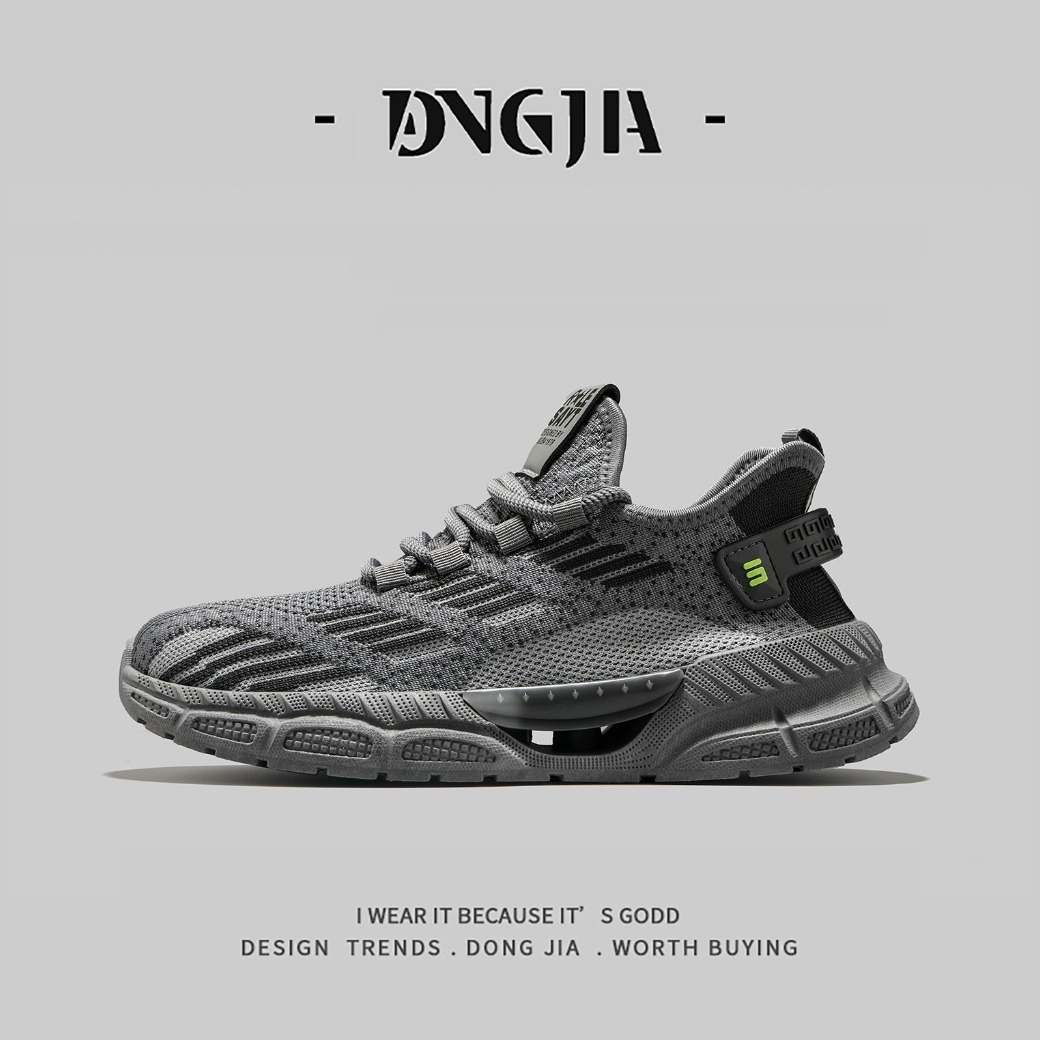
Brush over hardcoded movie subtitles, timestamps, or unwanted text stickers. AI cleanly reconstructs the scene behind without blur, perfect for creating clean wallpapers and meme templates.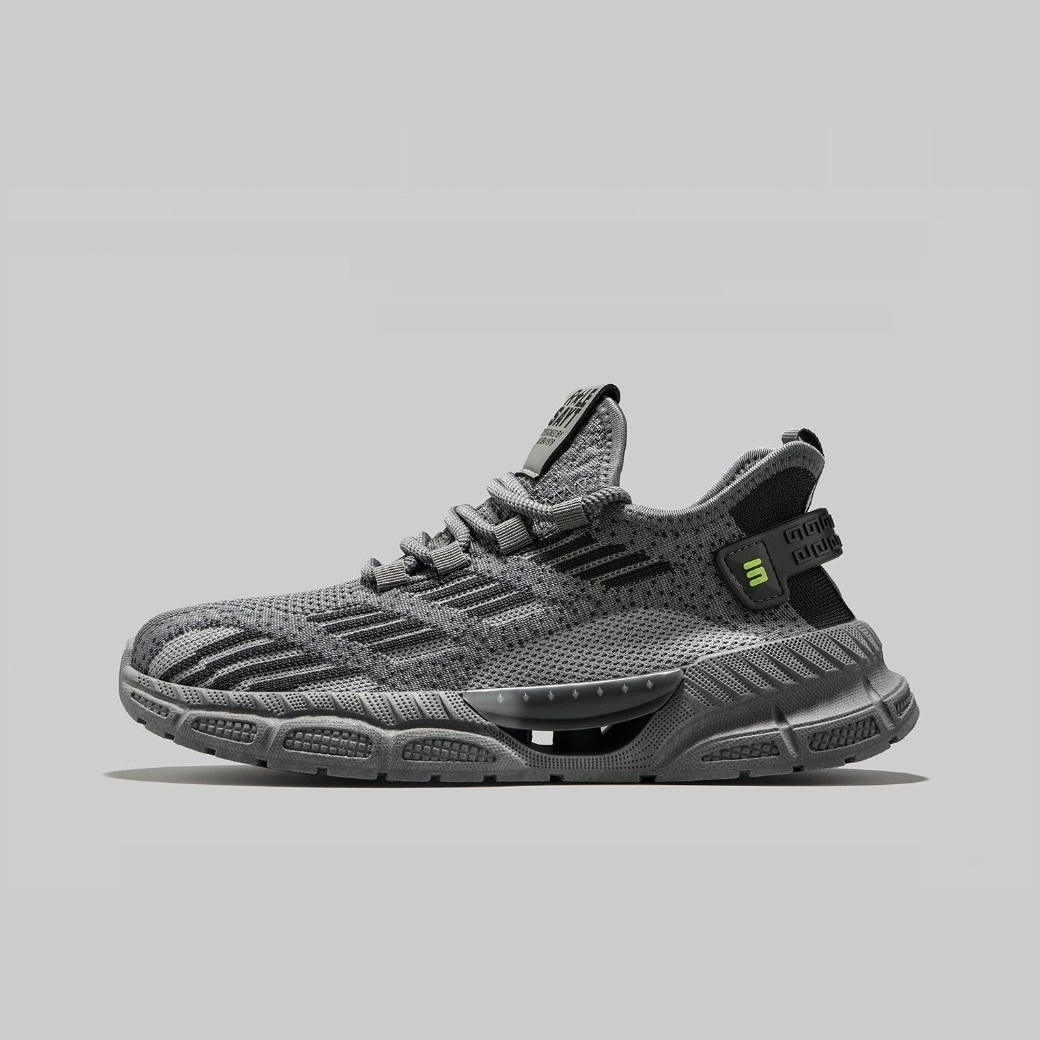
How to Remove Text from a Photo
Get clean results in three simple steps.
Upload Image
Click Upload or drag and drop your image into the editor. Supports JPG, PNG, and WebP formats.
Brush Over Text
Use the magic brush to paint over the text, subtitles, or watermarks you want to remove. The AI will automatically detect the area.
Download Result
Preview the result. If satisfied, click Download to save your clean, high-resolution image instantly.
Top Use Cases for Text Removal
Clean up your images for any purpose with our intelligent eraser tool.
Remove Hardcoded Subtitles
Watch movies or clips without distractions. Brush over burned-in subtitles to reveal the clean scene underneath, perfect for sharing clip highlights.
Erase Meme Captions
Create fresh memes from scratch. Remove old text overlays instantly so you can add new punchlines to viral images without messy edits.
Clean Timestamps & Watermarks
Restore vintage photos by removing date stamps. Clean up digital watermarks from screenshots or stock images for a professional look.
Prepare Product Listings
List items on eBay or Facebook Marketplace. Remove price tags, stickers, or promotional text from product photos to make them look pristine.
Fix Screenshot Errors
Share tutorials or guides without sensitive info. Blur out personal data, error messages, or UI clutter from your screen captures cleanly.
Social Media Content Prep
Optimize visuals for Instagram or TikTok. Remove distracting logos or text overlays to ensure your content stands out in the feed.
Why Users Love Dopic
Professional-grade results with zero effort.
100% Private & Secure
All processing happens directly in your browser. Your photos never leave your device, ensuring complete privacy and security.
AI-Powered Precision
Advanced algorithms intelligently reconstruct textures and patterns behind the text, avoiding the blurry smudges common in other tools.
Original Resolution Output
Download your cleaned images in full HD JPG or PNG format. No compression loss, keeping your photos crisp and clear.
Zero Watermarks
We don't slap our branding on your work. Download your edited images completely clean, ready for commercial or personal use.
Dopic Text Remover: Erase subtitles, watermarks, and unwanted text from photos instantly with AI precision. Secure, private, and free.
Frequently Asked Questions
Everything you need to know about removing text from photos.
Is this tool free to use?
Yes, Dopic is free to use for basic text removal. You can process as many images as you need without hidden fees or watermarks.
Does it work on complex backgrounds?
Absolutely. Our AI analyzes surrounding pixels to reconstruct complex textures like brick walls, foliage, or fabric, ensuring a natural look even behind difficult text.
Will my photos be stored on your server?
No. We prioritize your privacy. All image processing is done locally in your browser using WebAssembly technology. Your files are never uploaded to our servers.
Can I remove handwritten text?
Yes, the tool works well on both printed digital text and handwritten notes, provided the handwriting contrasts clearly with the background.
Explore More Free Creative Image Tools
Complete ecosystem of passport photo makers, AI erasers, upscalers, and format converters.
Background Remover →
Instant 1-click AI background removal with hair-level edge detail & transparent PNG.
Image Text Editor →
Erase existing text with LaMa and render parametric new typography seamlessly.
Change Background Color →
Replace photo background with pure white, official blue, red or custom colors.
Blur & Redact ID Card →
Blackout or pixelate sensitive numbers, addresses and private text on ID cards.
Transparent Signature Maker →
Extract handwritten paper signatures into crisp, transparent PNG e-signatures.
Image Compressor →
Lossless bulk compression to target file size (20KB, 50KB, 100KB) with zero quality loss.