
Remove Text
Remove Text & Watermarks from Photos Instantly
Brush over hardcoded movie subtitles, timestamps, or unwanted text stickers. AI cleanly reconstructs the scene behind without blur, perfect for creating clean wallpapers and meme templates.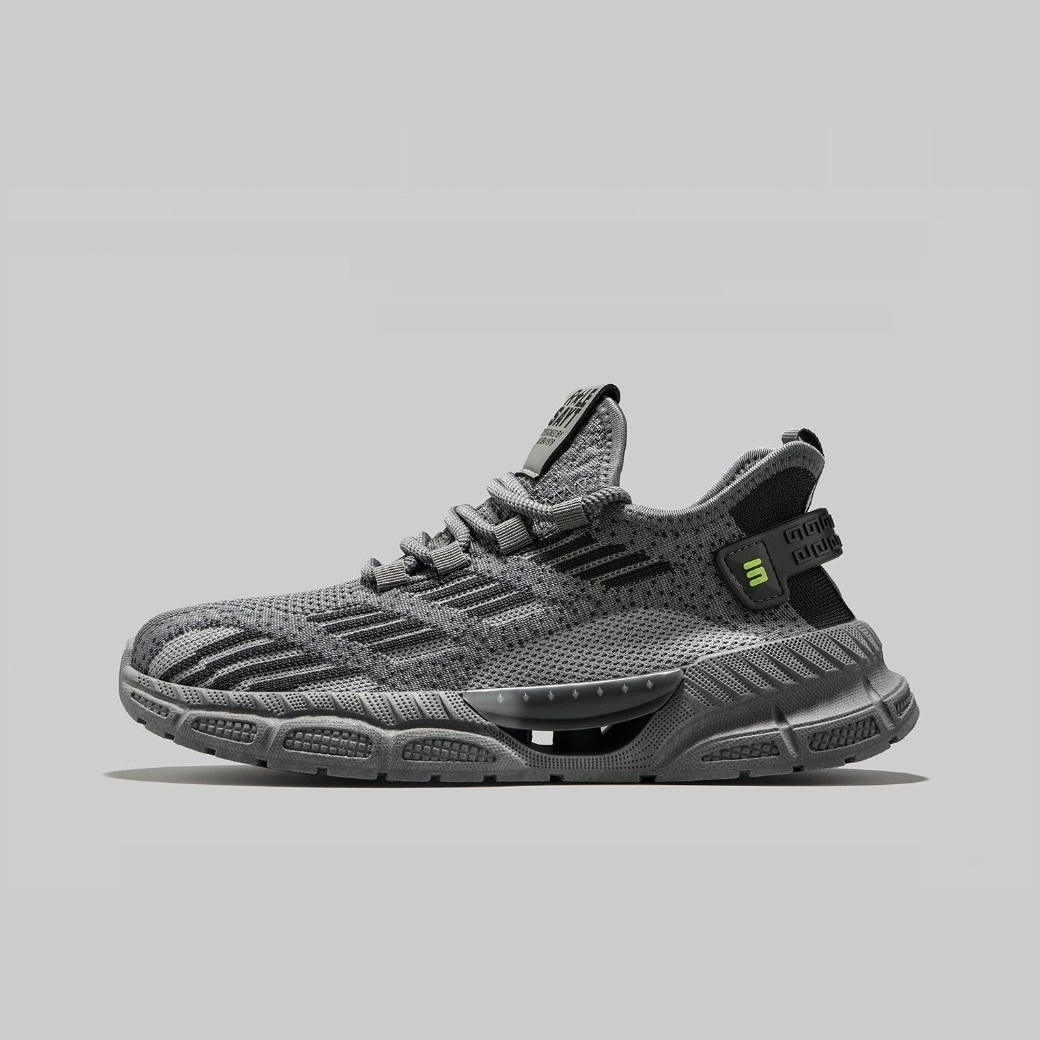
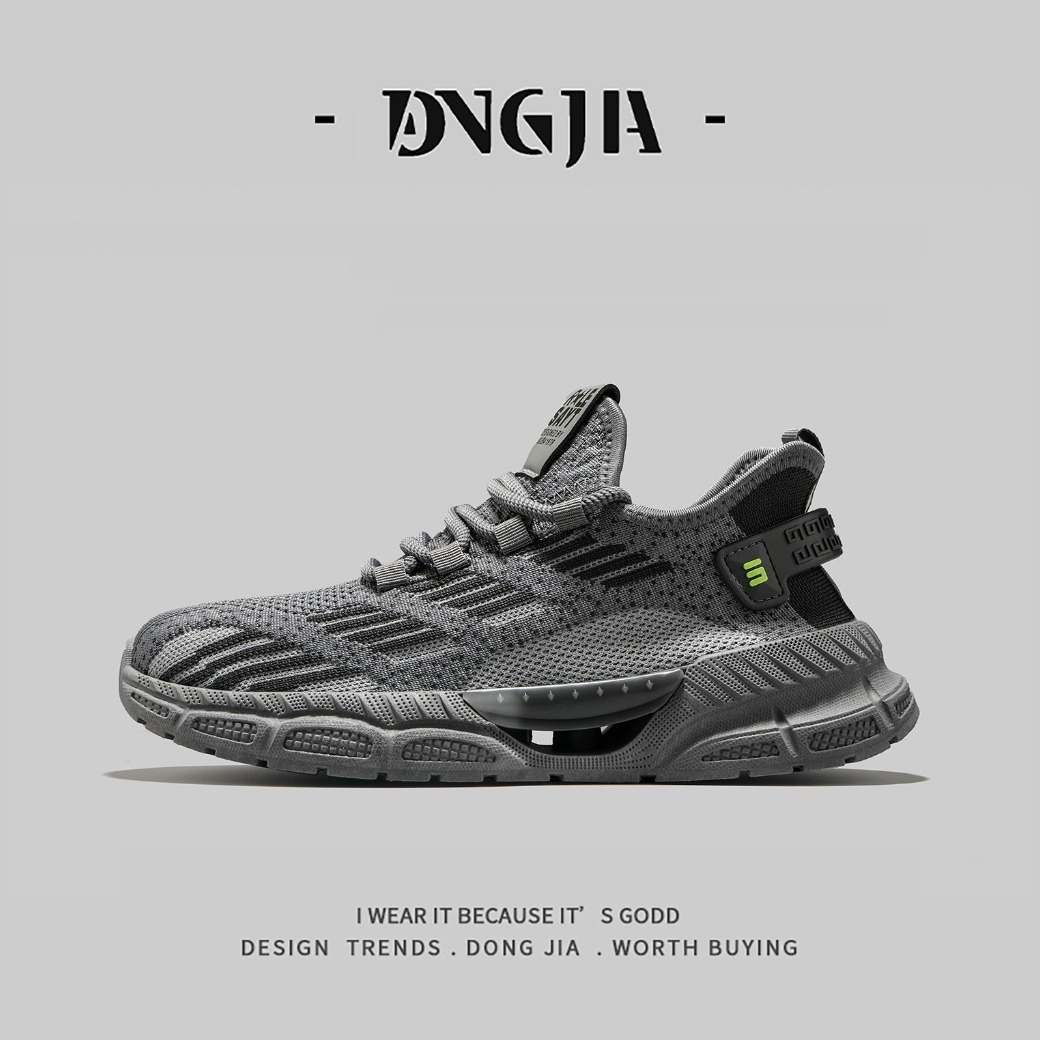
How to Remove Text from a Photo
Three simple steps to clean up your images.
Upload Image
Click Upload or drag and drop your image into the browser window. Supports JPG and PNG formats.
Brush Over Text
Use the AI brush to paint over the text, watermark, or object you want to remove. The more precise your brush, the better the result.
Download Result
Click Generate to let the AI reconstruct the background. Once satisfied, download your clean, watermark-free image instantly.
Perfect For Removing Unwanted Text & Overlays
Clean up screenshots, social media posts, and product photos in seconds.
Erase Hardcoded Subtitles
Remove stubborn burned-in subtitles from movie clips, news broadcasts, or downloaded videos without leaving a blurry mess.
Remove Watermarks & Logos
Cleanly wipe away brand logos, stock photo watermarks, or agency stamps from your creative assets before publishing.
Delete Timestamps & Dates
Get rid of camera date stamps, screenshot timestamps, or Draft labels to make your images look professional and timeless.
Clear Meme Captions
Reuse popular meme templates by brushing out the original text, then add your own punchline for fresh viral content.
Clean Product Photography
Remove price tags, promotional stickers, or Sale banners from e-commerce product shots to create clean, neutral listings.
Fix Screenshot UI Clutter
Hide status bars, notification badges, or app interface elements from mobile screenshots for cleaner tutorials and guides.
Why Choose Dopic Text Remover?
Professional-grade results with consumer-friendly simplicity.
100% Private & Secure
Your images never leave your browser. All processing happens locally on your device, ensuring complete privacy and data security.
Smart Background Reconstruction
Our AI doesn't just blur; it analyzes surrounding pixels to intelligently recreate textures, lines, and colors behind the text.
Zero Watermarks
Download your cleaned images in full resolution JPG or PNG without any added branding, logos, or watermarks.
Lightning Fast Processing
No server queues. Get instant results directly in your browser, optimized for speed even on complex images.
AI-powered text removal tool for browsers. Erase subtitles, watermarks, and timestamps from photos without blurring. 100% private and free.
Frequently Asked Questions
Everything you need to know about removing text from images.
Does Dopic save my uploaded images?
No. Dopic processes all images entirely within your web browser using client-side technology. Your files are never uploaded to our servers, ensuring maximum privacy and security.
Will removing text leave a blurry spot?
Not if you use our AI-powered eraser. Unlike simple blur tools, Dopic's algorithm intelligently reconstructs the underlying background texture, lines, and colors, making the removal nearly invisible.
Can I remove handwritten text or signatures?
Yes, Dopic works best on printed text, subtitles, and digital overlays. It can also handle some handwritten text or signatures, depending on the complexity of the background behind them.
Is there a limit on image size or resolution?
Dopic supports standard web image formats (JPG, PNG) up to several megabytes. For extremely high-resolution images, performance may vary slightly depending on your device's processing power, but most modern devices handle standard HD images instantly.
Do I need to install any software?
No installation is required. Dopic is a fully web-based tool that works directly in Chrome, Safari, Firefox, or Edge on both desktop and mobile devices.
Explore More Free Creative Image Tools
Complete ecosystem of passport photo makers, AI erasers, upscalers, and format converters.
Background Remover →
Instant 1-click AI background removal with hair-level edge detail & transparent PNG.
Image Text Editor →
Erase existing text with LaMa and render parametric new typography seamlessly.
Change Background Color →
Replace photo background with pure white, official blue, red or custom colors.
Blur & Redact ID Card →
Blackout or pixelate sensitive numbers, addresses and private text on ID cards.
Transparent Signature Maker →
Extract handwritten paper signatures into crisp, transparent PNG e-signatures.
Image Compressor →
Lossless bulk compression to target file size (20KB, 50KB, 100KB) with zero quality loss.