
Product 3D Shadow
Add Photorealistic 3D Shadows to Your Products Instantly
Cast authentic directional drop shadows and soft ground contact occlusion, anchoring cutouts naturally to the surface. Adds realistic 3D studio depth for e-commerce and catalog showcases.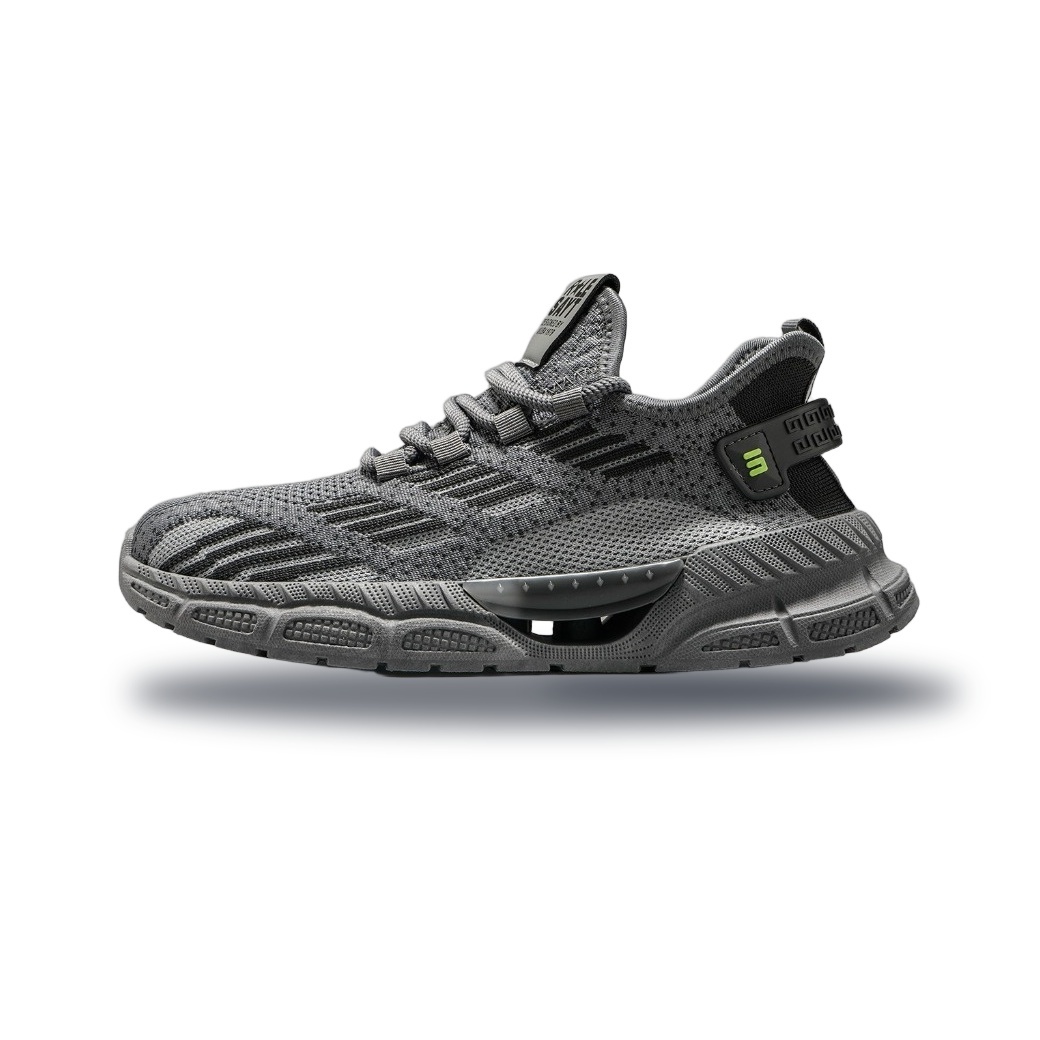 3D Shadow
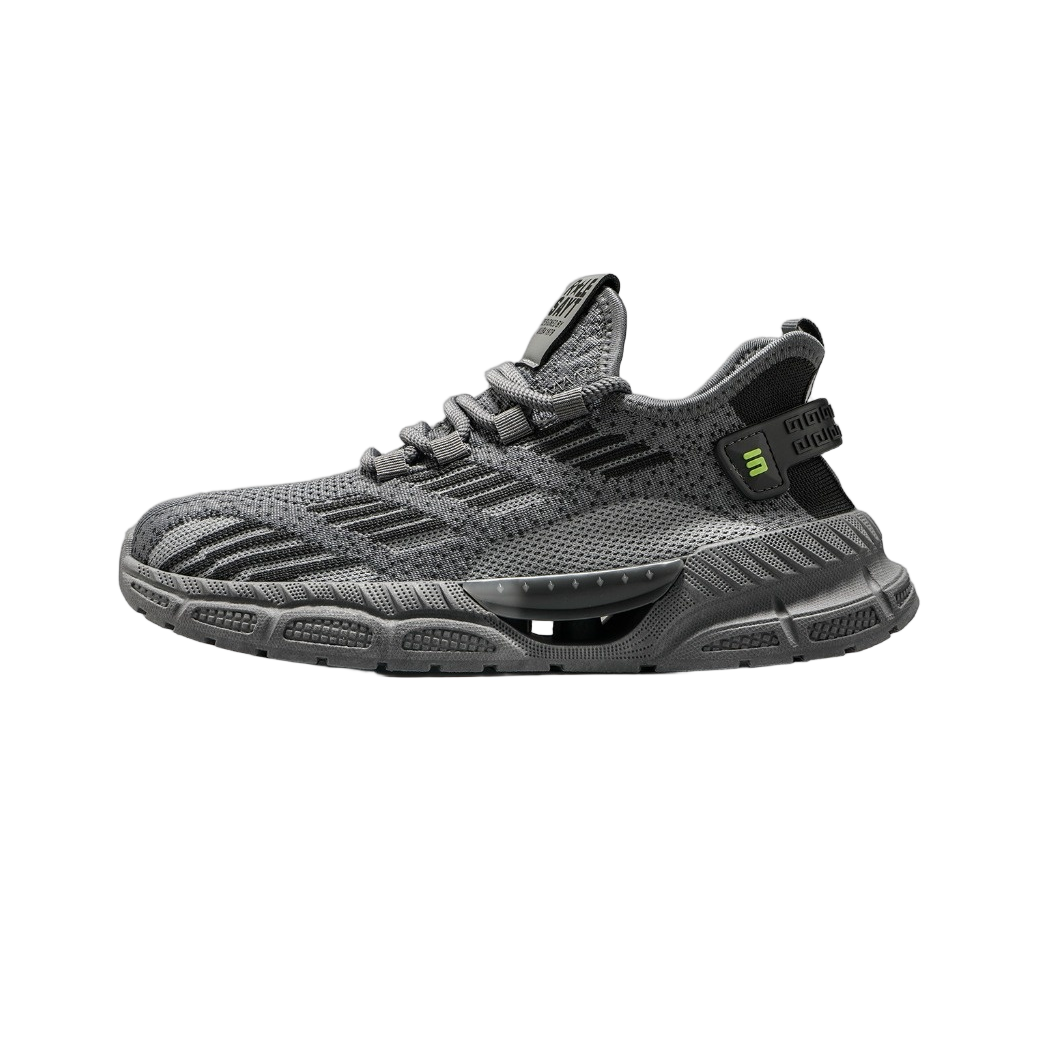 Raw Cutout
How to Add a Realistic Shadow in 3 Steps
Get professional results in under 10 seconds.
Upload Your Cutout
Drag and drop your transparent PNG or isolated product image into the workspace.
Adjust Shadow Settings
Use the sliders to tweak the blur, opacity, and angle until the shadow looks natural and matches your lighting needs.
Download & Publish
Click Download to save your grounded product image as a high-quality PNG or JPG, ready for your store.
Real-World Use Cases for Professional Shadows
Ground your products and boost conversion rates with these high-demand scenarios.
E-commerce Catalogues
Transform flat product shots into grounded, professional listings for Shopify, Amazon AU, and eBay. Eliminate the floating look that reduces trust.
Transparent PNG Enhancement
Take your existing cutout images and add realistic contact shadows to make them sit naturally on white or coloured backgrounds.
Social Media Ads
Create eye-catching creatives for Facebook, Instagram, and TikTok ads. Shadows add depth and realism that stop the scroll.
Portfolio & Presentations
Make digital mockups and design portfolios look polished. Add subtle drop shadows to give objects a sense of scale and presence.
Graphic Design Assets
For designers needing quick assets: generate consistent lighting across multiple products without expensive studio setups.
Marketing Collateral
Enhance brochures, flyers, and email campaigns. A grounded product image looks more tangible and increases perceived value.
Professional Features for Australian Sellers
Built for speed, quality, and privacy.
100% Private & Secure
All processing happens in your browser. Your product images never leave your device, ensuring complete data privacy.
Instant Rendering
No waiting for server queues. Generate high-resolution shadows in seconds with our optimised client-side engine.
Full Custom Control
Adjust blur radius, opacity, angle, and distance to match your specific lighting environment perfectly.
High-Res Output
Export crisp, print-ready PNGs or JPGs suitable for high-quality e-commerce platforms and large format printing.
Generate realistic 3D product shadows for e-commerce listings instantly with Dopic.
Frequently Asked Questions
Everything you need to know about adding shadows to product photos.
Do I need to remove the background first?
Yes. This tool is designed to add shadows to already transparent (PNG) or isolated subjects. If your image has a background, use our Background Remover tool first.
Is this tool free to use?
Yes, Dopic offers free access to generate realistic shadows. Check our pricing page for bulk processing or high-volume API needs.
Can I control the direction of the shadow?
Absolutely. You can adjust the light source angle to create shadows that fall left, right, top, or bottom, matching your desired lighting setup.
Will the shadow look realistic on any background?
Our algorithm calculates contact shadows based on the object's shape, making it look grounded whether you place it on white, black, or textured backgrounds.
Does Dopic store my images?
No. We prioritise privacy. All image processing is done locally in your browser. We do not upload or store your files on our servers.
Explore More Free Creative Image Tools
Complete ecosystem of passport photo makers, AI erasers, upscalers, and format converters.
Background Remover →
Instant 1-click AI background removal with hair-level edge detail & transparent PNG.
Image Text Editor →
Erase existing text with LaMa and render parametric new typography seamlessly.
Change Background Color →
Replace photo background with pure white, official blue, red or custom colors.
Blur & Redact ID Card →
Blackout or pixelate sensitive numbers, addresses and private text on ID cards.
Transparent Signature Maker →
Extract handwritten paper signatures into crisp, transparent PNG e-signatures.
Image Compressor →
Lossless bulk compression to target file size (20KB, 50KB, 100KB) with zero quality loss.